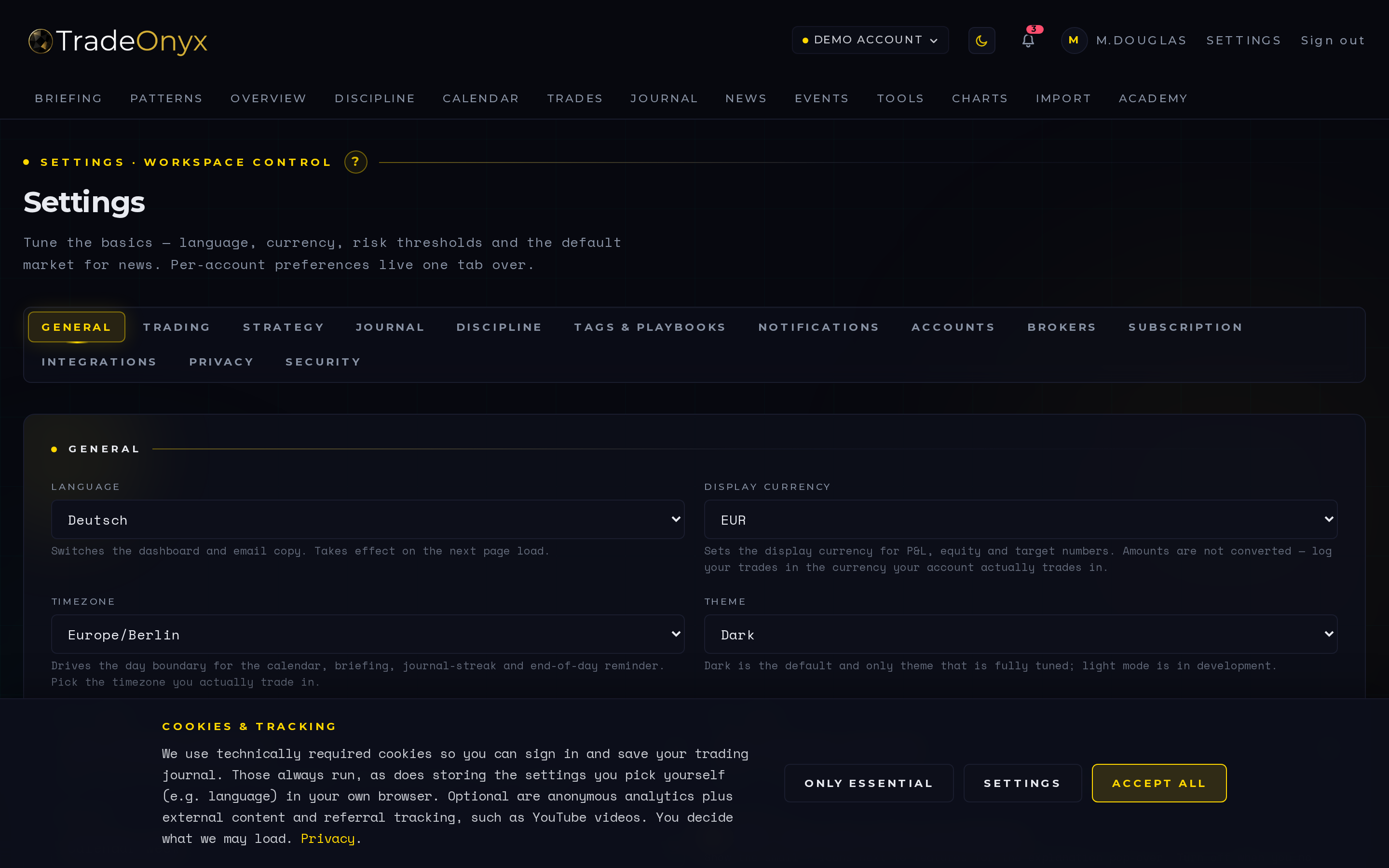
The Settings tab is the cross-cutting platform configuration surface. It's where you do the one-time wiring that everything else depends on.
Trading-account management lets you add or remove broker accounts. Symbol mapping captures the per-broker translations — "EUR/USD ECN" → "EURUSD" — so cross-broker reporting actually reconciles. Asset-class default drives which news and economic events surface. The German tax export (in the Tools tab) prepares two forms: Anlage KAP for capital income under § 20 EStG and Anlage SO for privately held spot crypto under § 23 EStG. AI-features toggle opts you in or out of the platform's analytical layer. Theme controls the dark/light feel.
A tab-layout refactor is queued. The current single-page form will split into focused sub-tabs, but the underlying configuration model isn't changing — what you set today survives the redesign.
- Asset class is a high-leverage setting — it filters News and Economy at the same time, so getting it right cleans up two tabs.
- Symbol mapping is invisible until it isn't — one missed mapping splits a single instrument into two reports.
- Trading-account list is your reality model — every account you actually trade should live here.
- The tax export is jurisdiction- AND asset-specific — German users get two prepared forms, not one: Anlage KAP for § 20 capital income (with a flat-tax estimate) and Anlage SO for § 23 spot crypto (with a FIFO holding-period check and deliberately no tax estimate, because the personal income-tax rate applies there). Everyone else gets the underlying CSV.
- AI toggle is opt-in — privacy-conscious users keep the platform fully deterministic if they want.
- Theme is taste — but consistent dark mode across review sessions matters more than people admit.
Day one, Settings is the second tab you open after Profile. Add your broker accounts, set asset class, and the rest of TradeOnyx falls into line — News filters itself, Economy filters itself, Briefing scopes events to your market.
During the year, Settings is mostly idle. The exception is symbol mapping — when a new instrument shows up unmapped, fixing it here once propagates the canonical name everywhere: Trades, Calendar, Overview, Charts all start treating the symbol consistently. That's why the cross-broker view in TradeOnyx actually reconciles instead of being three disconnected stories.
Year-end, the tax export in Tools earns its keep. It turns a year of trades into two prepared German forms: the Anlage KAP for § 20 capital income and, separately, the Anlage SO for privately held spot crypto under § 23. That separation matters: a Bitcoin position held for more than a year is tax-free under § 23, and pouring it into the flat-tax basket of the Anlage KAP would simply be the wrong form and the wrong tax. It is the kind of jurisdiction-specific work that no generic journal does. AI-features and theme are personal toggles you'll set once. Once the queued refactor splits this tab into sub-tabs, the same fields will live in clearer rooms; nothing about your data or your habits has to change.