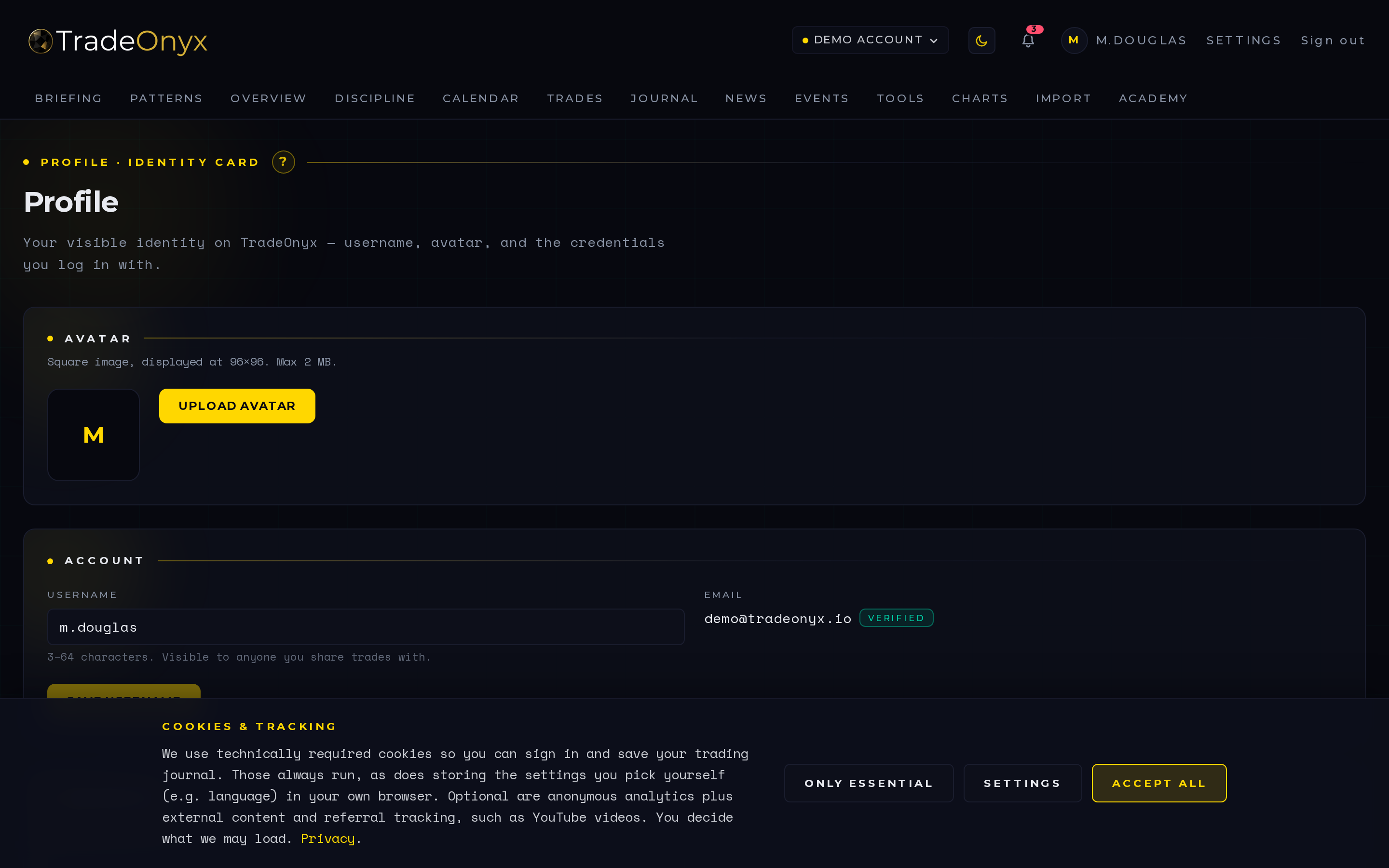
The Profile tab is your personal layer of TradeOnyx. Avatar, username, password, default account, language, and display time zone all live here. Storage is always UTC under the hood; the time-zone setting only controls how trades are shown to you.
The single most important field is default risk per trade. Pick a preset — 0.25%, 0.5%, 1%, 2%, or custom — and that number becomes the rule every future trade is measured against. Go beyond it and the trade gets flagged across the platform.
Avatar upload and delete were added recently — small surface, but it's the kind of detail that makes the product feel like yours instead of a generic tool you rent.
- Risk-per-trade is the spine — change it and every flag in the platform shifts with you.
- Time zone is display only — your data isn't moving, your view of it is.
- Default account preselects everywhere — saves a click on every form, every chart, every import.
- Language flips the whole UI — DE/EN parallel, including academy content.
- Avatar is identity discipline — review screens with your own face on them feel less abstract.
- Custom risk is real — scalper at 5%, beginner at 0.25%, the presets don't box you in.
First session with TradeOnyx, head to Profile and set your default risk-per-trade honestly. The platform doesn't argue with you — if you say 1%, every trade above 1% will get flagged across Trades, Journal, and Overview. The flags are how tilt becomes visible weeks later in Calendar.
The default account dropdown is the small quality-of-life lever. Multi-account traders who set the right default save a click on every new trade, every import, every chart open. Pair it with the asset-class setting in Settings and the whole platform pre-tunes itself to your style.
Language and time zone are set-and-forget. Where TradeOnyx earns its keep is the risk number — that's the single field that turns the platform from a passive logger into an active discipline tool. Change it once, and Briefing warnings, Trades flags, and Overview breach counts all start using the new rule on day one.