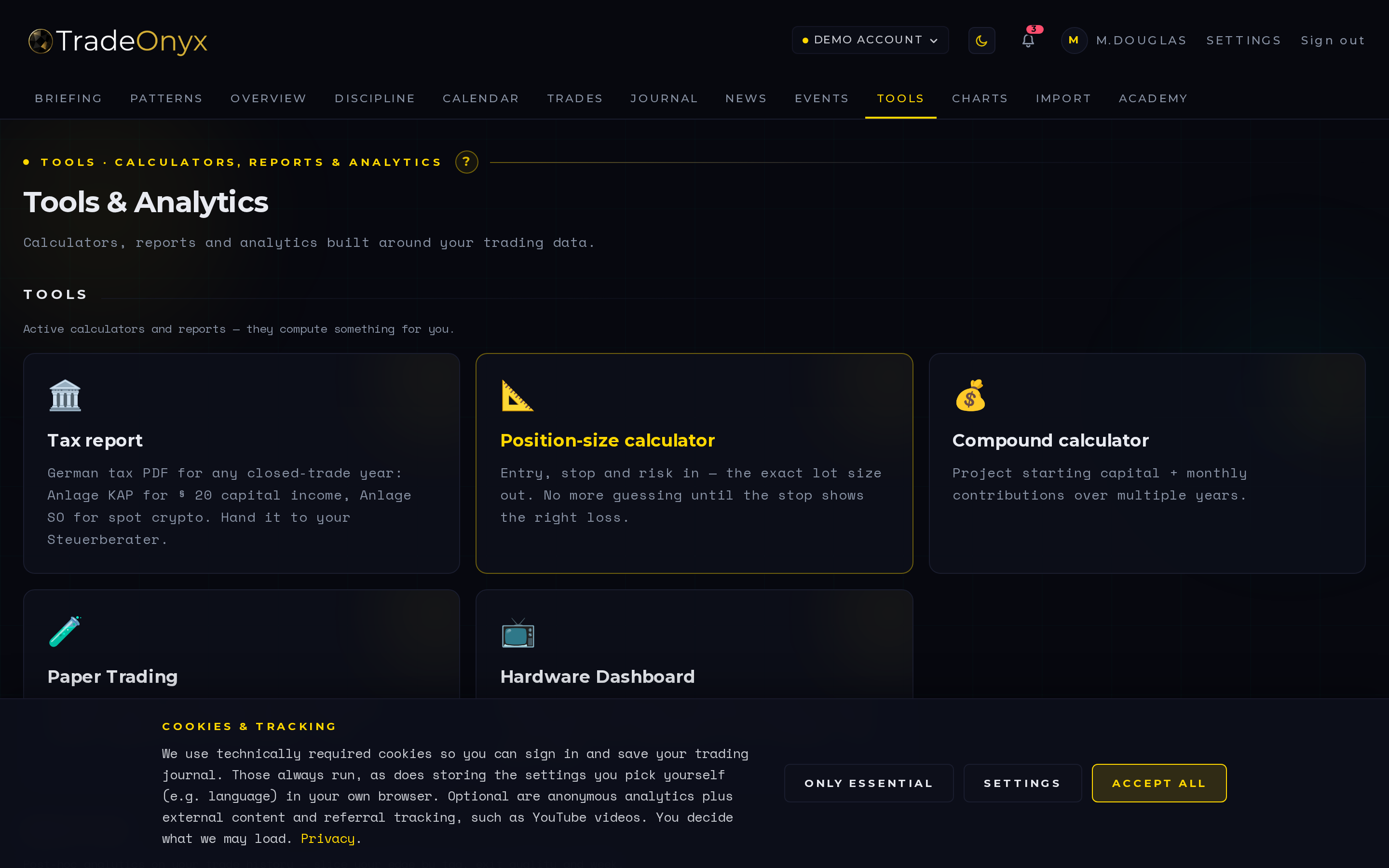
The Tools tab is a suite of calculators built for the moment between idea and click. Today it ships with the three you reach for daily: a position-size calculator that turns risk percent, stop distance, and pip value into a clean lot size; an R:R calculator that maps entry, stop, and target into a single ratio; and a pip-value table for fast cross-currency reference.
Every calculator supports multi-currency input, so a EURUSD trade sized in EUR account currency or a USDJPY trade in USD doesn't require a mental conversion step.
A full Simulator and Compound calculator are queued as the next addition — they'll let you stress-test position-sizing rules and project equity curves before risking a cent.
- Position size before everything — your stop distance and account size dictate the lot, not the other way around.
- R:R below 1.5 is a red flag — at sub-1.5 R:R, your win rate has to carry an unrealistic load to break even.
- Pip-value table catches gotchas — JPY pairs aren't priced like majors; the table makes that explicit.
- Different account currency, same math — the calculators do the FX leg so you don't approximate.
- Use it every trade, not just big ones — the habit is more valuable than any single calculation.
- Future Simulator turns rules into numbers — "what if I'd risked 0.5% instead of 2%" becomes a chart, not a guess.
Before every trade, Tools is the second tab you open after Charts. You marked the level, you set the stop — now you size the position. TradeOnyx pulls your default risk-per-trade from Profile, so the calculator is pre-filled with your rule, not a generic 1%. Type the stop distance, get the lot size.
When you're comparing two setups, the R:R calculator is the tiebreaker. Setup A is 1:1.3, setup B is 1:2.4 — the platform shows the math instead of leaving you to feel it. Pair this with the Briefing day-context strip and you have a clean go/no-go.
For review, the calculators stay relevant. Pull a losing trade from Trades, drop the entry/stop/target into the R:R calculator and see whether you broke your own rule or whether the rule itself is the problem. TradeOnyx is built around closing that loop — the Tools tab is where the rule meets the next click, and where the discipline actually gets enforced rather than imagined.